Connect your camera
Prepare the camera, confirm the USB or SDK connection, and learn the main body controls.
Use the shortest setup path to set a destination, connect a camera, capture one image, and review it in the Image Browser.
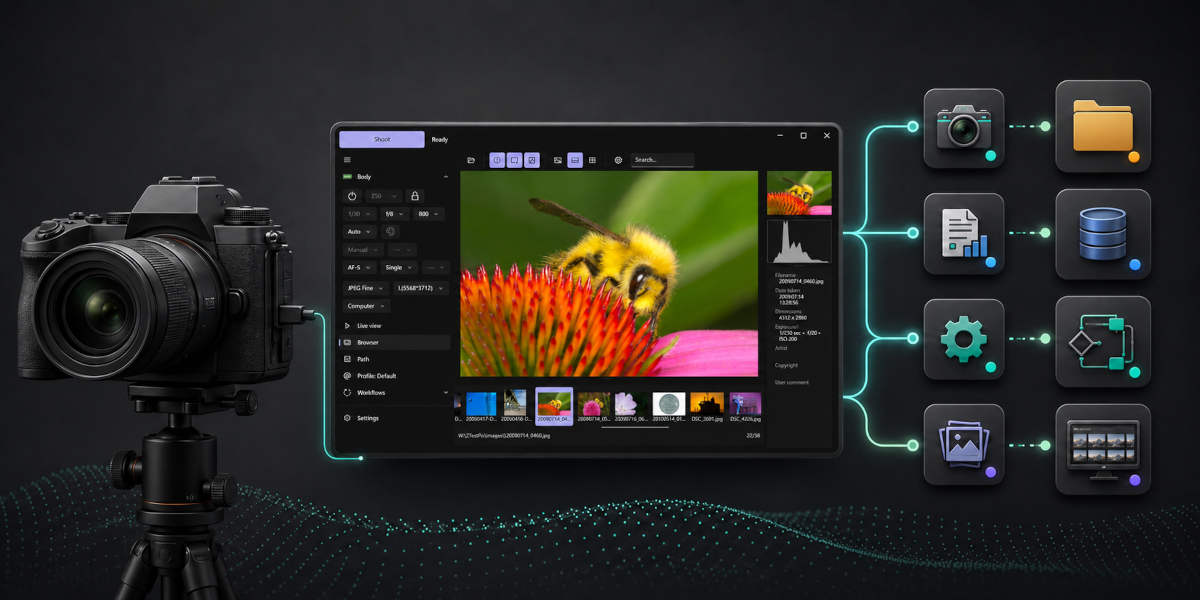
Prepare the camera, confirm the USB or SDK connection, and learn the main body controls.
Set destination paths, collect ASK values, switch profiles, write camera-body metadata, and confirm capture-save safety.
Browse captures, choose visible metadata fields, inspect technical metadata, and convert NEF files.
Trigger actions from motion, voice, sound, TCP/IP commands, a phone browser, or keyboard shortcuts.
Use purpose-built capture workflows for repeated captures, continuous shooting, long exposures, brackets, and focus stacking.
Expose selected camera state and Nikon camera actions to local MCP clients.
Check guidance alerts, logs, installation notes, reset recovery, licensing, and release history.